XPath (XML Path Language) is a query language that lets you navigate and extract elements, attributes, and values from an XML document. In Java, you can use XPath through the standard library with javax.xml.xpath. This guide walks you through using XPath to extract complex data from XML, with a detailed example, diagram, and explanation.
Use Case Example
Suppose you have the following XML structure representing a library of books:
<library>
    <book id="101" genre="fiction">
        <title>Effective Java</title>
        <author>
            <firstName>Joshua</firstName>
            <lastName>Bloch</lastName>
        </author>
        <published year="2018" publisher="Addison-Wesley"/>
    </book>
    <book id="102" genre="programming">
        <title>Clean Code</title>
        <author>
            <firstName>Robert</firstName>
            <lastName>Martin</lastName>
        </author>
        <published year="2008" publisher="Prentice Hall"/>
    </book>
</library>
Goal
We want to use XPath in Java to extract:
- Titles of all books.
- Full names of all authors.
- The publisher of the book with
id='101'. - Books published after 2010.
- Genre attribute of books whose author’s last name is “Martin”.
Java Setup
Required Imports
import javax.xml.parsers.DocumentBuilder;
import javax.xml.parsers.DocumentBuilderFactory;
import javax.xml.xpath.*;
import org.w3c.dom.Document;
import org.w3c.dom.NodeList;
import org.w3c.dom.Node;
Full Java Example
public class XPathExample {

    public static void main(String[] args) throws Exception {
        // Load XML
        DocumentBuilderFactory factory = DocumentBuilderFactory.newInstance();
        DocumentBuilder builder = factory.newDocumentBuilder();
        Document doc = builder.parse("library.xml");

        // Initialize XPath
        XPathFactory xpathFactory = XPathFactory.newInstance();
        XPath xpath = xpathFactory.newXPath();

        // 1. Titles of all books
        NodeList titles = (NodeList) xpath.evaluate("//book/title", doc, XPathConstants.NODESET);
        System.out.println("Book Titles:");
        for (int i = 0; i < titles.getLength(); i++) {
            System.out.println(" - " + titles.item(i).getTextContent());
        }

        // 2. Full names of all authors
        NodeList authors = (NodeList) xpath.evaluate("//book/author", doc, XPathConstants.NODESET);
        System.out.println("\nAuthors:");
        for (int i = 0; i < authors.getLength(); i++) {
            Node author = authors.item(i);
            String firstName = xpath.evaluate("firstName", author);
            String lastName = xpath.evaluate("lastName", author);
            System.out.println(" - " + firstName + " " + lastName);
        }

        // 3. Publisher of book with id='101'
        String publisher = xpath.evaluate("//book[@id='101']/published/@publisher", doc);
        System.out.println("\nPublisher of book ID 101: " + publisher);

        // 4. Books published after 2010
        NodeList recentBooks = (NodeList) xpath.evaluate("//book[published/@year > 2010]", doc, XPathConstants.NODESET);
        System.out.println("\nBooks published after 2010:");
        for (int i = 0; i < recentBooks.getLength(); i++) {
            String title = xpath.evaluate("title", recentBooks.item(i));
            System.out.println(" - " + title);
        }

        // 5. Genre of books where author's last name is Martin
        NodeList genres = (NodeList) xpath.evaluate("//book[author/lastName='Martin']/@genre", doc, XPathConstants.NODESET);
        System.out.println("\nGenres of books by Martin:");
        for (int i = 0; i < genres.getLength(); i++) {
            System.out.println(" - " + genres.item(i).getNodeValue());
        }
    }
}
Explanation of XPath Expressions
| Expression | Description |
|---|---|
//book/title | Selects all <title> elements inside <book> tags |
//book/author | Selects all <author> nodes under any <book> |
//book[@id='101']/published/@publisher | Gets the publisher attribute from <published> of the book with ID 101 |
//book[published/@year > 2010] | Filters books with published year > 2010 |
//book[author/lastName='Martin']/@genre | Gets genre attribute where author’s last name is Martin |
Diagram
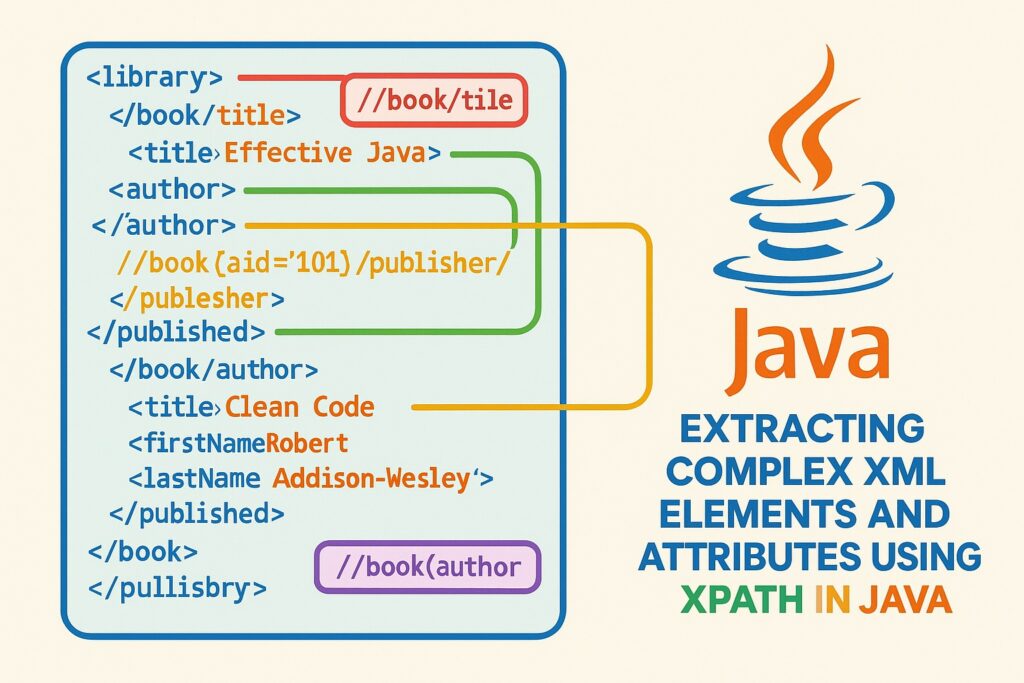
Below is a diagram of the XML structure with annotations showing the XPath targets:
<library>
│
├── <book id="101" genre="fiction">
│   ├── <title>Effective Java</title>       ←── //book/title
│   ├── <author>                            ←── //book/author
│   │   ├── <firstName>Joshua</firstName>
│   │   └── <lastName>Bloch</lastName>      ←── //book[author/lastName='...']
│   └── <published year="2018" publisher="Addison-Wesley"/> ←── //book[@id='101']/published/@publisher
│
├── <book id="102" genre="programming">
    ├── <title>Clean Code</title>
    ├── <author>
    │   ├── <firstName>Robert</firstName>
    │   └── <lastName>Martin</lastName>
    └── <published year="2008" publisher="Prentice Hall"/>
Common Pitfalls
- Namespaces: If your XML uses namespaces, you’ll need to register a
NamespaceContextwith XPath. - Type Casting: Always cast
xpath.evaluate(...)correctly (NODESET,STRING, etc.). - File Path: Ensure
library.xmlis in the correct location or use an InputStream.
Conclusion
XPath is a powerful way to navigate and extract data from XML in Java. With careful expression crafting, even deeply nested or attribute-specific elements can be accessed efficiently.