1. Introduction
Single Sign-On (SSO) has become a standard requirement for modern enterprise applications. Users expect to log in once using their corporate identity and seamlessly access multiple systems without repeated authentication prompts. Among the most widely adopted standards enabling this experience is SAML 2.0 (Security Assertion Markup Language).
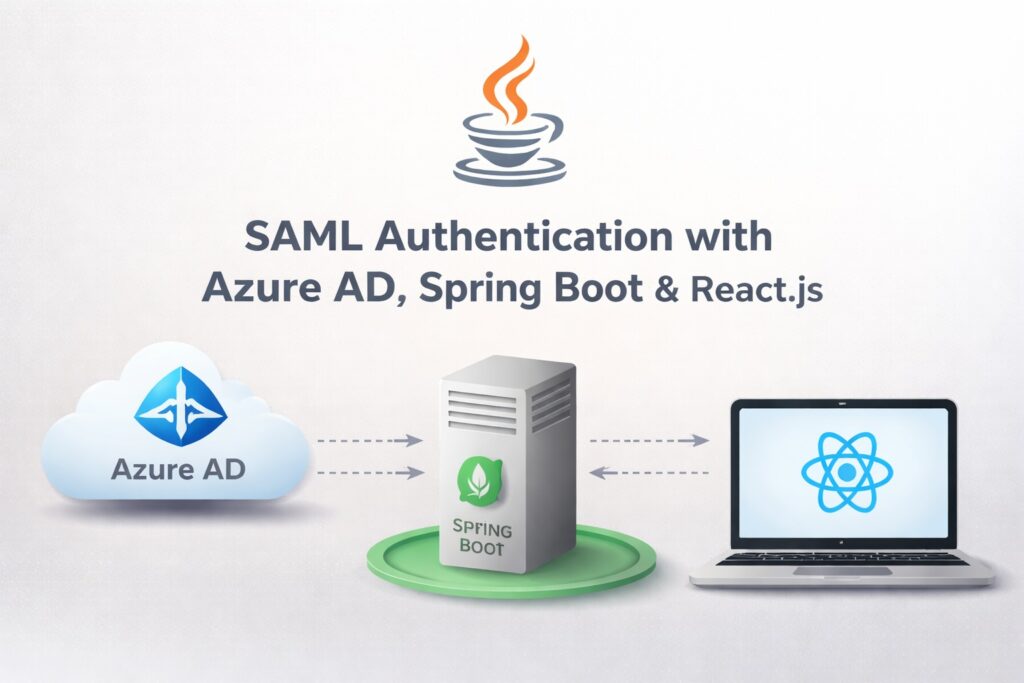
In this article, we will walk through a real-world implementation of SAML authentication where Azure Active Directory (Azure AD) acts as the Identity Provider (IdP), a Spring Boot backend uses Spring Security for SAML authentication, and a React.js frontend consumes the secured backend and participates in the authentication flow.
This article is written for backend and full-stack developers who want a clear, production-oriented explanation rather than a theoretical overview.
2. Problem
Organizations commonly face several challenges when securing internal or customer-facing applications. Multiple applications require authentication, leading to password fatigue. Security teams want centralized user management, multi-factor authentication, and compliance auditing. Frontend applications built with React and backend services built with Spring Boot must integrate cleanly with corporate identity providers like Azure AD.
Without federated authentication standards like SAML, each application manages its own users, access revocation becomes slow and error-prone, and enforcing consistent security policies becomes difficult.
The core challenge is integrating enterprise-grade SSO without redesigning or rewriting the entire application stack.
3. Solution
The solution is to use SAML-based federation with Azure AD acting as the Identity Provider and Spring Security acting as the Service Provider.
In this architecture, the user accesses a React frontend, which communicates with a Spring Boot backend. When an unauthenticated request is detected, Spring Security redirects the browser to Azure AD. Azure AD authenticates the user and sends a signed SAML assertion back to the backend. Spring Security validates the assertion and establishes an authenticated session.
This approach provides centralized identity management, strong security controls, and a clean separation between frontend and backend responsibilities.
4. Implementation
4.1 Real-Life Scenario
Consider a company called Acme Corp that provides an internal employee portal. The portal is built with React.js for the frontend and Spring Boot for backend APIs. Azure AD is used as the corporate identity provider.
Employees log in using their corporate Microsoft accounts. Acme Corp requires no local password storage, automatic user provisioning, and role-based access control based on Azure AD group membership.
4.2 Azure AD Configuration Overview
In Azure AD, create a new Enterprise Application and configure SAML-based single sign-on. Set the Entity ID and Assertion Consumer Service (ACS) URL to match your Spring Boot application. Download the IdP metadata XML and assign users or groups to the application.
4.3 Spring Boot Dependencies
<dependency>
  <groupId>org.springframework.boot</groupId>
  <artifactId>spring-boot-starter-security</artifactId>
</dependency>

<dependency>
  <groupId>org.springframework.security</groupId>
  <artifactId>spring-security-saml2-service-provider</artifactId>
</dependency>

<dependency>
  <groupId>org.springframework.boot</groupId>
  <artifactId>spring-boot-starter-web</artifactId>
</dependency>
4.4 SAML Configuration
spring:
  security:
    saml2:
      relyingparty:
        registration:
          azure:
            entity-id: https://api.acme.com/saml/metadata
            assertion-consumer-service:
              location: https://api.acme.com/login/saml2/sso/azure
            assertingparty:
              metadata-uri: classpath:azure-idp-metadata.xml
4.5 Spring Security Configuration
@Configuration
@EnableWebSecurity
public class SecurityConfig {

    @Bean
    SecurityFilterChain filterChain(HttpSecurity http) throws Exception {
        http
            .authorizeHttpRequests(auth -> auth
                .requestMatchers("/public/**").permitAll()
                .anyRequest().authenticated()
            )
            .saml2Login(Customizer.withDefaults())
            .logout(logout -> logout.logoutSuccessUrl("/"));

        return http.build();
    }
}
4.6 Accessing SAML User Attributes
@RestController
@RequestMapping("/api/user")
public class UserController {

    @GetMapping("/me")
    public Map<String, Object> me(Authentication authentication) {
        Saml2AuthenticatedPrincipal principal =
            (Saml2AuthenticatedPrincipal) authentication.getPrincipal();

        Map<String, Object> userInfo = new HashMap<>();
        userInfo.put("email", principal.getFirstAttribute("email"));
        userInfo.put("name", principal.getFirstAttribute("name"));
        userInfo.put("roles", principal.getAttributes().get("roles"));

        return userInfo;
    }
}
4.7 React.js Integration
React does not directly handle SAML. Instead, it relies on browser redirects and authenticated backend sessions.
fetch("/api/user/me", {
  credentials: "include"
})
  .then(res => res.json())
  .then(data => console.log(data));
4.8 Login Trigger in React
function Login() {
  const login = () => {
    window.location.href = "/saml2/authenticate/azure";
  };

  return <button onClick={login}>Login</button>;
}
4.9 Role-Based Authorization
@PreAuthorize("hasRole('ADMIN')")
@GetMapping("/admin")
public String adminEndpoint() {
    return "Admin only";
}
5. Conclusion
Integrating SAML authentication with Azure AD, Spring Security, and React.js provides a secure and scalable enterprise authentication solution. It eliminates password management within applications, leverages centralized identity policies, and aligns modern frontend frameworks with enterprise security standards.
This architecture is well-suited for internal tools, B2B platforms, and enterprise SaaS applications where security, compliance, and user experience are equally critical.